

How it works
Binding works differently on each platform, but the setup is the same - you provide abinding object when creating a pass via the API.
- Google Wallet
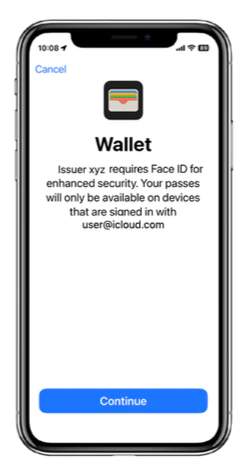
- Apple Wallet
Google Wallet uses email-based restrictions. When a pass with binding is downloaded on an Android device, PassEntry generates a SHA-256 hash of the provided email and stores it in the pass. Only the Google account matching that email can save the pass. Any other user who tries to save the pass will see an error message.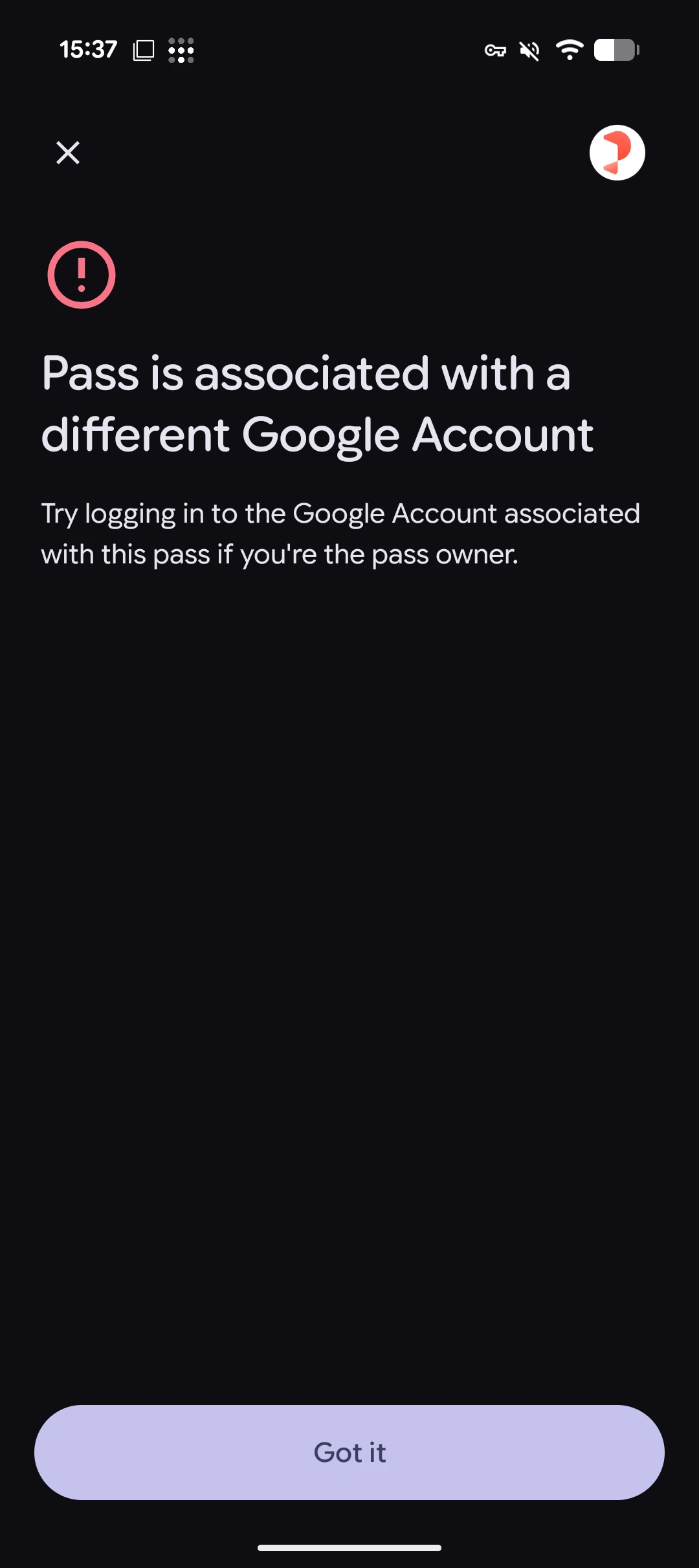
Prerequisites
Before using account binding, ensure the following:- Your organisation has the pass binding feature enabled. Contact PassEntry if you need access.
- You have a
learnMoreUrlready - this is a page on your website where pass holders can get help if their pass enters an invalid state (e.g., a support or FAQ page). - Your passes do not rely on barcodes. Barcodes are prohibited on passes with binding enabled. If your use case requires visual identification, consider using NFC instead.
Barcodes are prohibited on all passes (both Apple and Google) when binding is enabled. This is enforced at pass creation time and also during pass updates - the API will reject requests that include both a barcode and binding.
Creating a pass with binding
Add thebinding object to your pass creation request. Binding can only be set at creation time and cannot be added, changed, or removed later.
Create pass with binding
The response will include the binding status:
Response (after creation, before download)
platform and bound fields are set when the pass is downloaded.
Binding lifecycle
A pass with binding goes through the following states:Platform lock
Once a pass is downloaded and bound to a platform, it cannot be downloaded on the other platform. For example, if a pass is bound to Apple Wallet, attempting to download it on an Android device will return an error. This also applies to the PassEntry download page - the page will detect the platform mismatch and display an appropriate message to the user.What the user sees
- Google Wallet
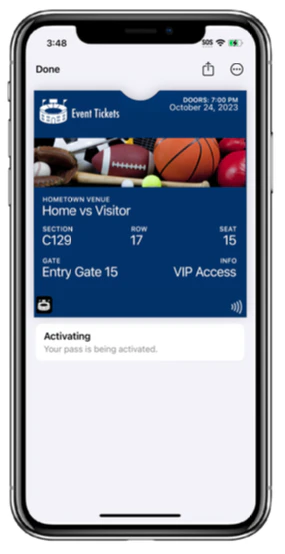
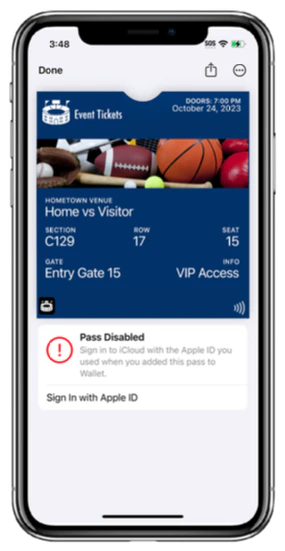
- Apple Wallet
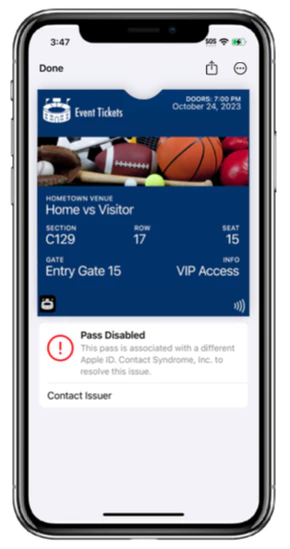
When a user with the correct Google account opens the download link, the pass is saved to their wallet normally. If a different user tries to save the same pass, they will see an error:
Important limitations
- No barcodes: Barcodes are prohibited on all passes with binding enabled. The API will reject creation requests that include both binding and a barcode.
- No retroactive binding: You cannot add binding to an existing pass via the update endpoint. Binding must be set at pass creation time.
- Platform lock: Once bound to Apple or Google, the pass cannot be downloaded on the other platform.
- Apple device requirements: Apple binding requires iOS 16.4+ or watchOS 9.4+ with Face ID, Touch ID, or a passcode configured.
- Email handling: For Google-bound passes, the email is stored encrypted and masked in API responses. For Apple-bound passes, the email is purged after the binding is initiated (it is not needed for FIDO authentication).
Checking binding status
Binding data is automatically included in single pass responses (create, show, update). For the list endpoint, add?includeBinding=true to include binding data.
Google-bound pass response
Apple-bound pass response
bindingEmail is null for Apple-bound passes because the email is purged after binding initiation.